Anniversary Card Mockup: A Practical Evaluation Guide
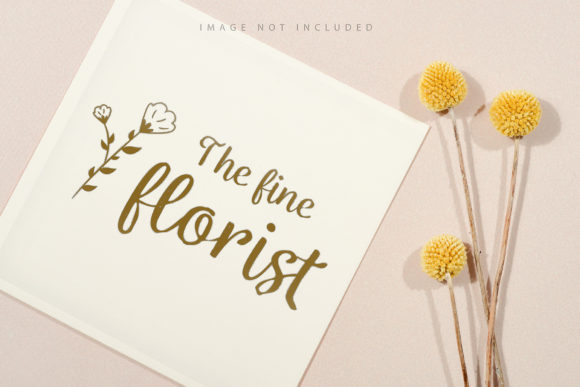
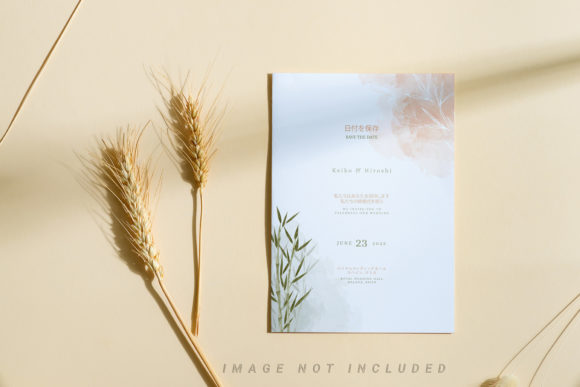
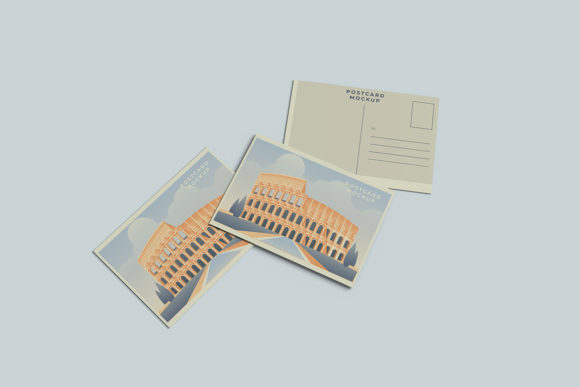
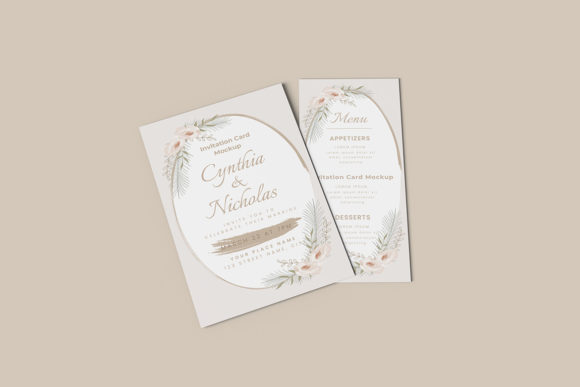
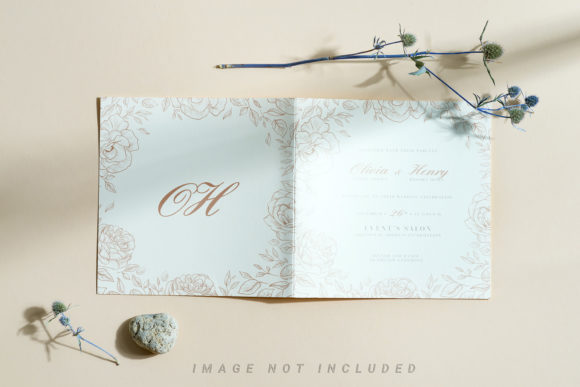
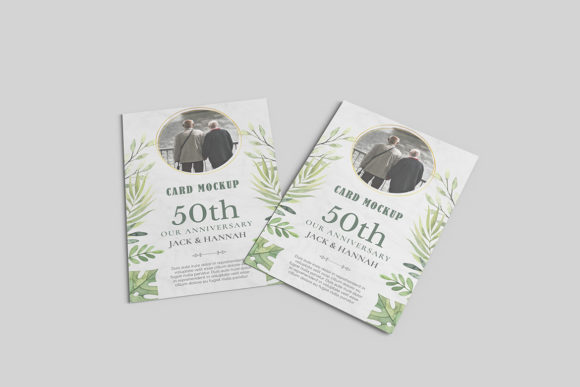
An Anniversary Card Mockup is a digital template—typically in PSD, Figma, or Sketch format—that simulates how a finished anniversary card will look when printed or shared digitally. It includes editable layers for text, imagery, and design elements, placed over a realistic representation of lighting, shadows, texture, and perspective (e.g., a card resting on a wooden table or held in hand). Unlike generic design templates, mockups prioritize visual fidelity and context, helping designers, small business owners, and marketers preview final output before committing to production.
Why Consider an Anniversary Card Mockup?
People explore Anniversary Card Mockup options primarily to bridge the gap between concept and presentation. Common motivations include:
- Client communication: Presenting a polished, contextualized version of a card design builds confidence during reviews or pitches.
- Marketing assets: E-commerce sellers use mockups to display cards on websites, social media, or email campaigns without photographing physical samples.
- Design iteration: Testing color schemes, typography, or layout variations within a consistent visual framework saves time versus repeated photo shoots.
- Print preparation: Some mockups include bleed guides, safe zones, and CMYK-ready layers—supporting accuracy in commercial printing workflows.
Key Benefits and Realistic Tradeoffs
The value of an Anniversary Card Mockup lies in efficiency and clarity—but it’s not universally optimal. Understanding both sides supports informed decisions.
Benefits include:
- Time savings: Replacing studio photography with layered digital placement avoids scheduling, lighting setup, and post-processing overhead.
- Consistency: Using the same mockup across multiple card designs maintains visual cohesion in portfolios or product catalogs.
- Flexibility: Most high-quality mockups support smart objects or vector-based text layers, enabling non-destructive edits without loss of resolution.
- Accessibility: Designers with limited physical resources can still produce professional-looking previews for remote collaboration or freelance proposals.
Tradeoffs to acknowledge:
- Context limitations: A mockup shows only the scene built into the file—e.g., a flat-lay on marble may not reflect how the card appears in a gift box or held upright. Adjusting perspective or background requires advanced editing skills or additional tools.
- Material realism gaps: While many mockups simulate paper texture or foil stamping, subtle tactile qualities—like embossing depth or matte vs. glossy sheen—are approximated, not replicated.
- Software dependency: PSD files require Adobe Photoshop; Figma versions need a Figma account. Users unfamiliar with layer management may face a learning curve.
- Licensing scope: Commercial use rights vary. Some free mockups restrict resale of derivative images; others require attribution or prohibit use in templates sold to third parties.
When an Anniversary Card Mockup Is a Strong Fit
This tool works best when your goals align with its inherent strengths. Consider it well-suited if you:
- Produce multiple card designs per season (e.g., wedding planners offering custom stationery) and need scalable, repeatable presentation assets.
- Work remotely with clients who respond better to contextual visuals than flat design files.
- Are building a cohesive brand aesthetic and want to preview how different card iterations sit alongside other branded items (e.g., matching envelopes or gift tags).
- Have access to design software and basic layer-editing proficiency—or work with someone who does.
In these cases, the time invested in learning one reliable Anniversary Card Mockup often pays off across dozens of projects.
When Alternatives May Be More Appropriate
Not every situation calls for a mockup. Evaluate alternatives when:
- You need true material accuracy. If foil stamping, die-cutting, or specialty paper stock are central to your offering, nothing replaces a physical proof. A mockup cannot convey weight, fold resistance, or how light reflects off metallic ink.
- Your audience prioritizes authenticity over polish. Small handmade businesses sometimes gain trust by showing real photos of actual products—including minor imperfections. Overly stylized mockups may unintentionally distance buyers from the craft behind the item.
- You lack design resources. If you’re a solo entrepreneur managing copy, fulfillment, and customer service—and have no bandwidth to learn Photoshop layers—a simple high-resolution photo of a printed sample may be faster and more honest.
- You’re producing one-off cards. For personal use or single-client commissions, the ROI of sourcing, licensing, and editing a mockup rarely justifies the effort versus taking a clean smartphone photo against a neutral backdrop.
Practical Decision-Making Insights
Before selecting an Anniversary Card Mockup, clarify three things about your workflow:
- What’s your primary output channel? If most previews go to print vendors, choose mockups with CMYK support and embedded crop marks. If they live online, RGB-optimized files with web-friendly dimensions matter more.
- How much customization do you need? Basic mockups let you swap text and background images. Advanced versions support shadow intensity sliders, angle rotation, or even simulated lighting direction changes. Match complexity to your technical comfort and project demands.
- Who owns the final image? Review license terms carefully. If you plan to sell the rendered image as part of a design bundle, ensure the mockup’s license permits redistribution—not just personal or client-use display.
Also consider starting small: test one mockup across three different card concepts before investing in a full pack. This reveals whether the style, resolution, and layer structure suit your typical content—without upfront commitment.
Final Considerations for Alignment
An Anniversary Card Mockup isn’t a replacement for thoughtful design or physical quality—it’s a communication aid. Its usefulness depends less on technical sophistication and more on alignment with your practical constraints and goals. Ask yourself:
- Do I repeatedly explain how a flat design translates into a real object?
- Is visual consistency across my product lineup currently difficult to maintain?
- Do I have the tools and time to edit layered files—or access to someone who does?
- Would a more realistic preview meaningfully improve client sign-off speed or reduce revision rounds?
If two or more answers are “yes,” an Anniversary Card Mockup is likely worth exploring. If not, simpler documentation methods may serve you just as well—especially early in a project lifecycle or when authenticity outweighs polish. The strongest choice isn’t always the most advanced one; it’s the one that fits cleanly into your existing process without adding friction.