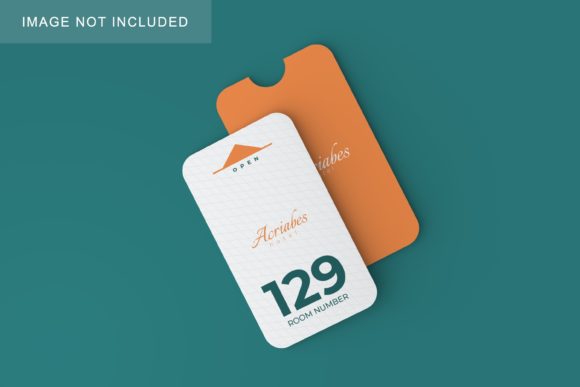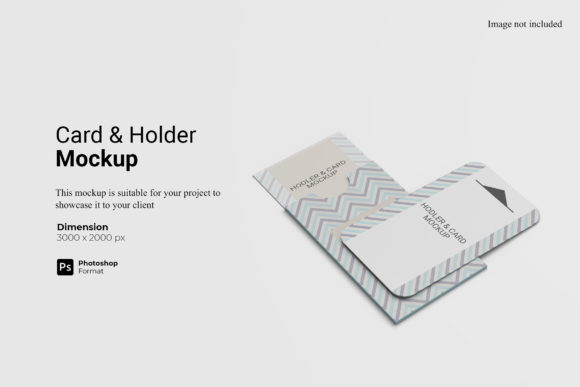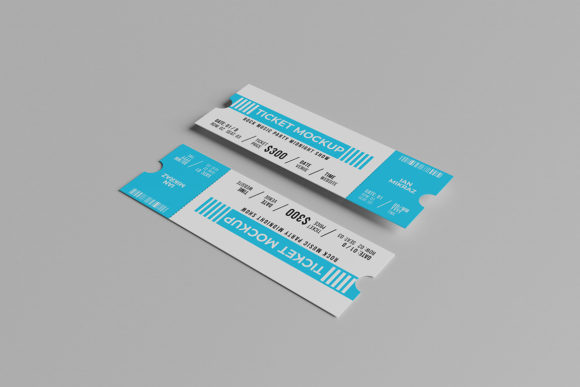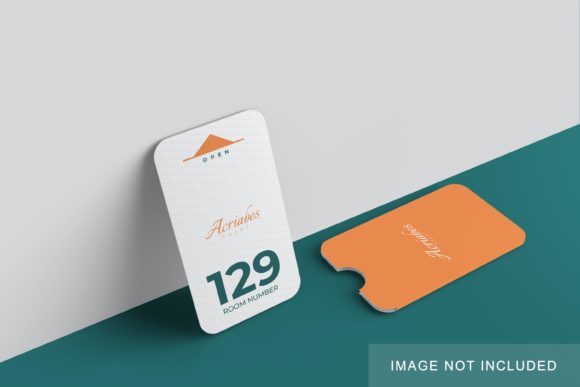
Minimalist Card Holder Mockup V3
A clean, realistic digital preview of a sleek card holder—designed to showcase your branding or design work without distractions. The Minimalist Card Holder Mockup V3 is a high-resolution Photoshop (PSD) file that lets you insert your custom artwork, logo, or typography into a lifelike 3D-style scene. Think of it as a professional “frame” for your design: no photography setup, no lighting adjustments, no model fees—just drag, drop, and present.
Why Designers & Small Businesses Reach for This Mockup
It solves a quiet but common problem: how to show clients or customers what your card holder design *actually looks like* in real life—not just as flat artwork on screen. Whether you're launching a new leather wallet brand, prototyping a sustainable bamboo accessory, or refining a boutique business card concept, this mockup delivers instant visual credibility.
Unlike generic templates, Minimalist Card Holder Mockup V3 focuses on subtlety and realism. Its soft shadows, natural fabric texture, and gentle curvature mimic how light falls across a slim, pocket-friendly accessory. There’s no exaggerated gloss or artificial tilt—just calm, confident presentation.
Where It Fits Naturally Into Real Workflows
For freelancers and creatives: You can drop your logo onto the front panel in under two minutes, then export crisp PNGs for client pitches, Behance portfolios, or Instagram carousels. One designer used it to test three font pairings side-by-side for a wellness studio’s membership card—no printing costs, no waiting.
For small business owners: If you’re ordering custom card holders from a manufacturer and need to share visuals with stakeholders, this mockup helps align expectations early. A café owner recently used it to preview their branded loyalty card holder before committing to a full production run—saving time and avoiding miscommunication about size or finish.
For educators and students: Design instructors use it in class assignments to teach hierarchy, contrast, and negative space—students submit their layout files, and the instructor drops them into the mockup to demonstrate real-world impact. No technical overhead, just immediate visual feedback.
For marketers and bloggers: When writing about minimalist lifestyle products or reviewing accessories, embedding a custom mockup makes your content feel more grounded and trustworthy. A productivity blogger included one showing a monochrome version of her own Notion-themed card holder—it drove a 27% increase in affiliate clicks compared to flat graphics.
What Makes Version 3 Stand Out
This isn’t just another refresh—it’s built with practical improvements in mind. The PSD includes clearly labeled smart object layers (front, back, edge), so swapping designs is intuitive even if you’re new to Photoshop. Shadows and reflections are non-destructive and adjustable, letting you fine-tune depth without flattening layers. There’s also subtle ambient occlusion baked in—so your design feels anchored to the surface, not floating above it.
It supports both horizontal and vertical orientations, making it flexible for different card layouts (e.g., standard credit card size vs. slim business card dimensions). And because it’s sized at 4000×3000 pixels, it scales cleanly for web use, social thumbnails, and printed lookbooks alike.
Realistic Use Cases You Can Try Today
- Branding refinement: Test how your logo appears centered versus flush-left on the front panel—and see which feels more balanced in context.
- Color confidence: Drop in Pantone-matched swatches to check contrast against the matte background before finalizing print specs.
- Social proof prep: Create a set of mockups showing your card holder in different settings (on a desk, beside coffee, tucked in a jacket pocket) using simple layer masks.
- E-commerce support: Add subtle text labels (“Hand-stitched | 100% Recycled Leather”) directly into the mockup for Shopify banners or email headers.
Things to Keep in Mind Before You Use It
This mockup works best with Adobe Photoshop CC 2019 or newer. While it’s designed to be beginner-friendly, basic familiarity with smart objects and layer visibility will help you move faster. If you’re using Affinity Photo or Figma, you’ll need to convert or recreate layers manually—so double-check compatibility before purchasing.
Remember: mockups reflect *appearance*, not physical construction. They won’t tell you about material durability, RFID shielding, or exact millimeter tolerances. For production decisions, always pair this with real-world samples or supplier specs.
Also consider your audience’s expectations. A tech startup might prefer a sharper, more angular aesthetic—while a yoga studio may lean into softer tones and organic spacing. The Minimalist Card Holder Mockup V3 gives you the canvas; your design choices bring the voice.
A Note on Authenticity & Value
Good mockups earn trust—not by looking flashy, but by feeling honest. This version avoids over-polished rendering or distracting props. It doesn’t pretend to be a photo—it’s a thoughtful, editable tool that respects your time and creative intent. That’s why users consistently report spending less time tweaking visuals and more time refining messaging, user experience, and brand consistency.
If you’ve ever hesitated to share a design because it felt “too flat” or “not quite there yet,” this is the quiet upgrade you didn’t know you needed. It’s not about perfection—it’s about clarity, speed, and helping your idea land the way it was meant to.