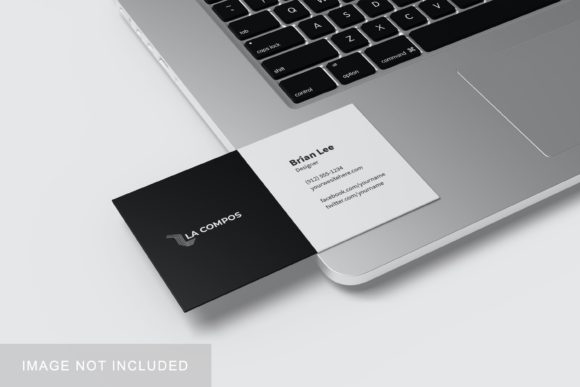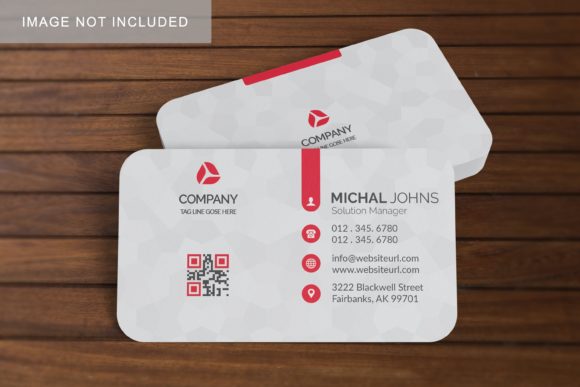
Realistic Business Card Mockup V2
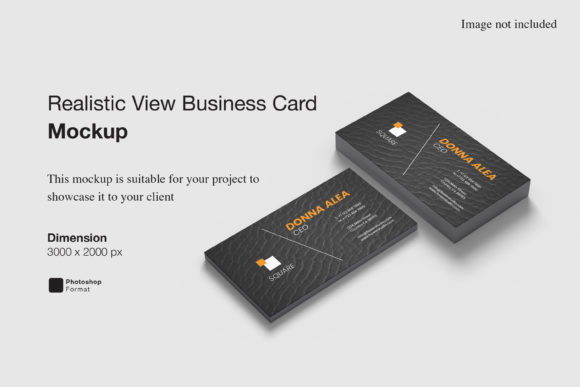
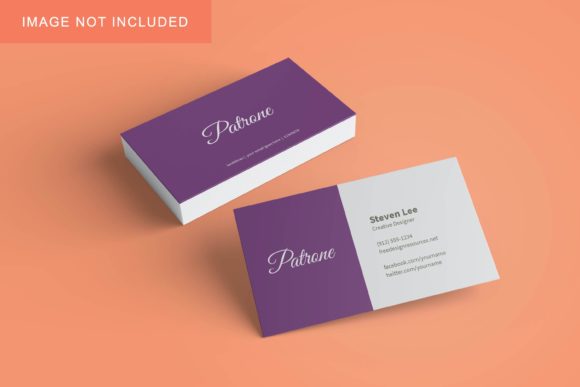
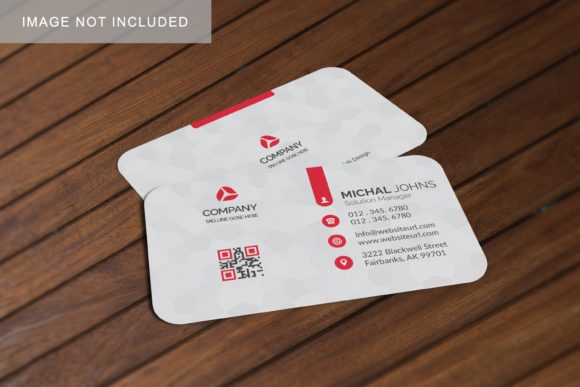
Imagine handing someone a business card that looks so authentic—right down to the subtle paper texture, precise corner radius, and natural shadow—that they almost reach out to touch it on screen. That’s what Realistic Business Card Mockup V2 delivers: a high-fidelity, editable digital template designed to showcase your design work as if it were already printed and held in hand.
What It Actually Is (and What It’s Not)
This isn’t a design tool or a printing service. It’s a layered PSD (Photoshop) or compatible smart-object mockup file—built with real-world lighting, perspective, and material behavior in mind. The “V2” upgrade means refined shadows, improved edge softness, more flexible background options, and better responsiveness when swapping in your logo, name, or contact details.
You drop your artwork into a designated smart layer, and the mockup automatically applies realistic depth, reflection, and subtle wear—like the faint sheen of matte laminate or the crisp fold of a premium 400gsm stock. No rendering plugins. No 3D software. Just open, replace, save.
Why It Fits So Many Real Needs
Whether you’re launching a freelance brand, updating your studio’s identity, or preparing client presentations, Realistic Business Card Mockup V2 solves quiet but common frustrations:
- Time saved: Skip staging physical photoshoots just to show how your design looks “in the wild.”
- Credibility built: A polished mockup signals professionalism—even before your first print run.
- Feedback made easier: Clients understand scale, contrast, and hierarchy faster when they see your layout on something lifelike.
- Iteration simplified: Try five color variations in under ten minutes—not five days waiting for samples.
It’s especially helpful if you’re new to branding or don’t own professional photography gear. You don’t need a studio, lighting setup, or model—just your design and 5–7 minutes in Photoshop or compatible apps like Affinity Photo or Photopea.
Where People Actually Use It
A graphic designer uses Realistic Business Card Mockup V2 to build a cohesive brand board for a local café—showing the card beside matching letterhead and social media banners. A yoga instructor drops her minimalist logo into the mockup and posts the result on Instagram Stories, captioning it: “New cards—designed with intention, printed locally.”
A university communications team previews a redesigned faculty business card before ordering 2,000 copies—spotting a contrast issue between navy text and dark gray background *before* going to press. A blogger building their media kit inserts their name, podcast URL, and headshot into the mockup to create a clean, consistent one-sheet for sponsor outreach.
Even educators use it: a high school marketing teacher assigns students to design a card for a fictional startup, then evaluates not just typography and layout—but how well the final piece reads in context, thanks to the realism of the mockup.
What Makes Version 2 Stand Out
V2 improves on earlier versions in ways that matter day-to-day:
- Better light control: Adjust ambient brightness or highlight intensity without breaking layers.
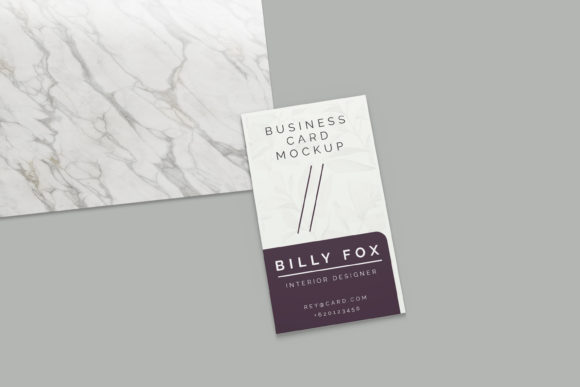
- Multiple orientations: Includes both horizontal and vertical card views—ideal for double-sided designs or landscape layouts.
- Background flexibility: Swap in solid colors, subtle gradients, or even your own photo backdrop—all while preserving realistic card depth.
- Print-ready preview mode: Toggle a CMYK-safe overlay to check how colors translate before sending to a printer.
These aren’t flashy features—they’re thoughtful refinements that reduce friction. For example, the improved smart-object handling means resizing your logo won’t blur edges or distort shadows. And the updated shadow algorithm responds naturally whether your card sits flat on a desk or leans slightly against a notebook.
Things to Keep in Mind Before Using It
First—check compatibility. While Realistic Business Card Mockup V2 works in Photoshop CC 2019+, Affinity Photo, and web-based editors like Photopea, older versions may not support all smart-object functions. If you’re using free tools, test the included sample file first.
Second—mind your dimensions. The mockup assumes standard US business card size (3.5 × 2 inches) or European (85 × 55 mm). If your design includes bleed or unusual cuts, adjust your source file accordingly *before* inserting it. Most printers require 1/8-inch bleed; the mockup itself doesn’t add bleed—it shows the final trimmed result.
Third—realism has limits. It simulates paper stock, but can’t replicate exact tactile qualities like spot UV or foil stamping. If those finishes are central to your brand, pair the mockup with a short note: “Final version features raised gold foil on navy stock.”
And finally—don’t over-edit the mockup itself. Its strength lies in consistency and speed. Resist the urge to manually tweak shadows or lighting unless absolutely necessary. The preset settings are calibrated to reflect real-world behavior—not artistic interpretation.
Getting Started Is Genuinely Simple
Open the file in your editor. Locate the smart-object layer named “Your Design Here.” Double-click it to open the embedded document. Paste or place your artwork, center it, and save. Close the window. Back in the main file, the mockup updates instantly—complete with accurate highlights, cast shadows, and surface texture.
No tutorials needed for basic use. But if you want to go deeper—say, adjusting the angle to match a specific mood board photo or blending the card into a lifestyle scene—the included documentation walks through non-destructive techniques step-by-step.
For freelancers quoting a branding package, this mockup becomes part of your process—not an extra cost, but a time-saver that elevates perception. For solopreneurs building their first website, it’s the difference between uploading a flat PNG and showing visitors exactly how their new identity feels in context.
At its core, Realistic Business Card Mockup V2 respects your time, supports your clarity, and helps others see your work—not as pixels on a screen, but as something tangible, intentional, and ready.