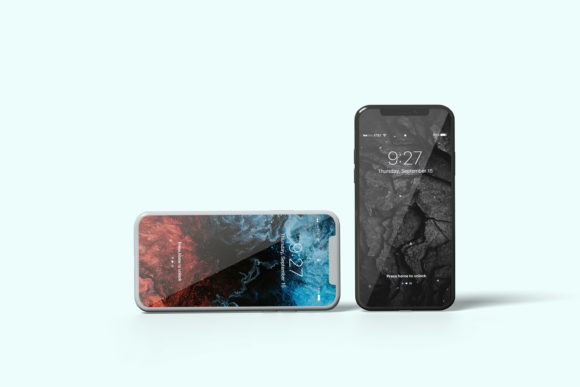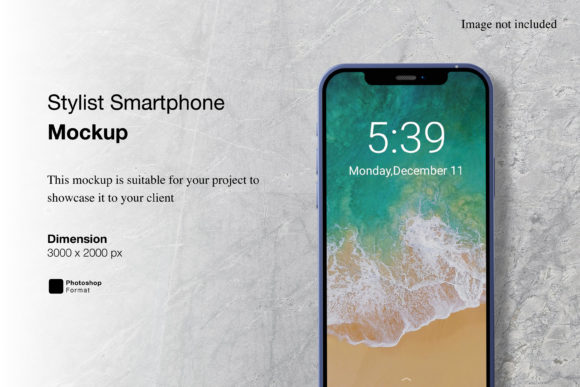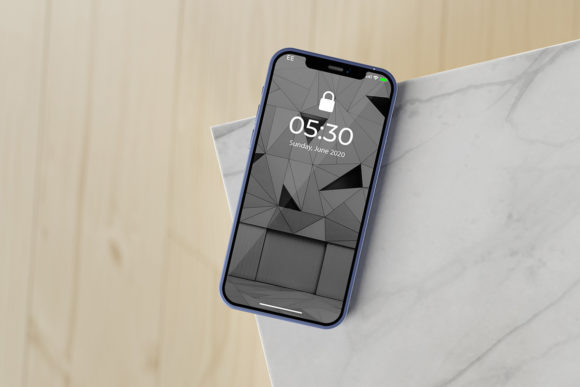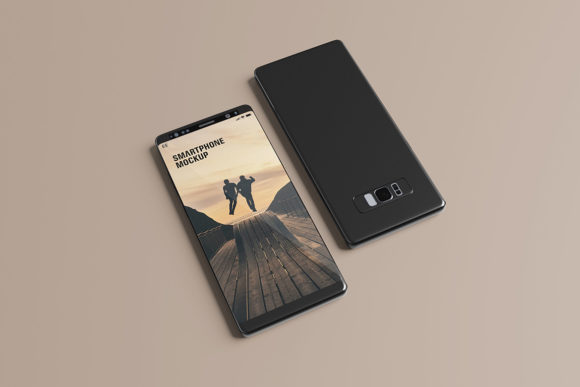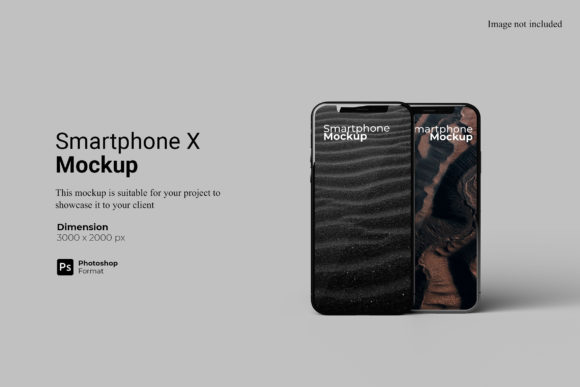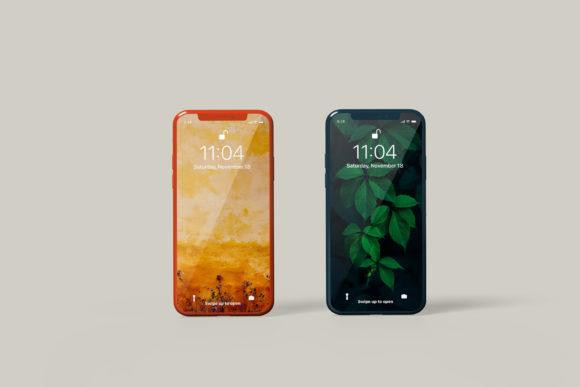
Realistic Smartphone Mockup
A Realistic Smartphone Mockup is a digital template or 3D scene that renders a smartphone interface—such as an app screen, website, or UI design—in a lifelike context. Unlike flat, stylized wireframes or basic PNG overlays, realistic mockups simulate lighting, depth, perspective, material texture (e.g., glass, matte aluminum), shadows, and environmental reflections to approximate how a design would appear on an actual device held in hand, placed on a desk, or viewed in a lifestyle setting.
These assets are typically delivered as layered PSD files, smart-object-enabled Photoshop templates, Figma components, Sketch symbols, or interactive 3D scenes in tools like Blender or Adobe Dimension. Users replace placeholder content—often via smart layers or drag-and-drop interfaces—with their own screenshots or designs, then render or export the final image for presentation, documentation, or marketing use.
Why Consider a Realistic Smartphone Mockup?
Designers, developers, product managers, and marketers often turn to a Realistic Smartphone Mockup when they need to communicate intent, functionality, or visual fidelity beyond static wireframes or code previews. Common motivations include:
- Presenting UI concepts to stakeholders who lack technical fluency;
- Creating portfolio pieces that demonstrate contextual awareness and polish;
- Generating consistent, branded visuals for app store listings, pitch decks, or case studies;
- Testing visual hierarchy and legibility under simulated real-world conditions (e.g., glare, ambient light);
- Aligning cross-functional teams around a shared, tangible representation of a feature or flow.
Importantly, interest in a Realistic Smartphone Mockup usually signals a shift from “what does it do?” to “how does it feel—and how will others perceive it?”
Benefits and Practical Advantages
The primary benefit lies in perceptual credibility. A well-executed Realistic Smartphone Mockup bridges the gap between abstract design and lived experience. It helps viewers mentally place the interface in use—on a commuter’s lap, beside a coffee cup, or held mid-scroll—thereby supporting empathy-driven feedback and more grounded decision-making.
From a workflow standpoint, high-quality mockups save time. Reusable templates eliminate the need to manually composite screenshots into photos or build custom 3D scenes from scratch. Many support batch exports, responsive resizing, and multi-device variants (e.g., iPhone 15 Pro, Pixel 8, Galaxy S24), enabling rapid iteration across form factors.
They also support consistency: using the same mockup family across projects reinforces visual branding and reduces stylistic drift in external-facing materials.
Tradeoffs and Limitations
Not all Realistic Smartphone Mockup solutions deliver equal value. Some trade realism for convenience—offering only front-facing, orthographic views without depth or lighting variation. Others rely on outdated device models or fail to match current bezel proportions, notch placements, or dynamic island behaviors, unintentionally undermining credibility.
There’s also a learning curve. While many modern mockups integrate cleanly with Figma or Photoshop, advanced features—like adjusting camera angle, simulating screen brightness, or matching ambient color temperature—require familiarity with layer blending modes, 3D rendering settings, or plugin ecosystems. Users expecting plug-and-play results may underestimate setup time.
Additionally, realism has diminishing returns. For early-stage usability testing or internal engineering alignment, a low-fidelity wireframe or live prototype often communicates function more effectively than a polished but static mockup. Over-investing in visual fidelity before validating core interactions can delay feedback cycles.
When a Realistic Smartphone Mockup Is a Strong Fit
A Realistic Smartphone Mockup tends to add measurable value in scenarios where perception, presentation, or persuasion matters more than interactivity. Examples include:
- Client presentations: When demonstrating a completed screen set to non-technical stakeholders who evaluate based on first impressions;
- App store assets: Generating screenshots that comply with platform guidelines while conveying context (e.g., showing an app running alongside a notification banner or status bar);
- Design system documentation: Illustrating component usage within realistic device frames to clarify spacing, typography scale, and touch target sizing;
- Marketing collateral: Creating cohesive hero images for landing pages, social media, or investor decks where brand tone and device relevance reinforce messaging.
In these cases, the mockup serves as a communication amplifier—not a replacement for working software.
When Alternatives May Be More Appropriate
Consider alternatives if your goal centers on behavior, responsiveness, or collaboration rather than appearance. For instance:
- Interactive prototypes (e.g., in Figma, ProtoPie, or Adobe XD) better convey navigation flow, micro-interactions, and state changes;
- Live browser-based previews or staging environments let users test actual functionality, including performance, input handling, and cross-browser behavior;
- Physical device testing remains irreplaceable for evaluating ergonomics, touch accuracy, battery impact, or real-world network conditions;
- Minimalist device frames (e.g., simple SVG outlines or transparent PNGs) may suffice for internal documentation where speed and clarity outweigh aesthetic nuance.
Choosing a Realistic Smartphone Mockup solely because it looks impressive—without aligning it to a specific communication need—is a common misstep.
Making a Practical Decision
To determine whether a Realistic Smartphone Mockup supports your goals, ask three questions:
- What action do I want the viewer to take after seeing this? If the answer is “understand layout” or “approve visual style,” a mockup may help. If it’s “test navigation” or “report a bug,” prioritize interactivity.
- How much time can I invest in setup and iteration? Evaluate whether the mockup’s learning curve fits your timeline. Free or open-source options often require more manual adjustment; premium kits may offer faster integration but less flexibility.
- Does the device model, orientation, and environment match my audience’s reality? A mockup of an iPhone SE shown on a wooden table may resonate with small-business owners—but fall flat with enterprise IT reviewers evaluating Android tablet deployment.
Also consider scalability. If you’ll produce dozens of screens monthly, look for mockups with robust smart-object support and consistent layer naming. If you need one image per quarter, simplicity and ease of export matter more than granular lighting controls.
Finally, treat realism as a tool—not a benchmark. A Realistic Smartphone Mockup doesn’t validate design quality; it clarifies how that quality might be perceived. Its usefulness depends entirely on whether that clarification serves your next step.