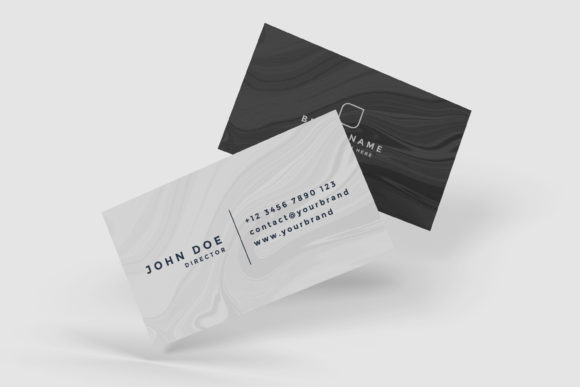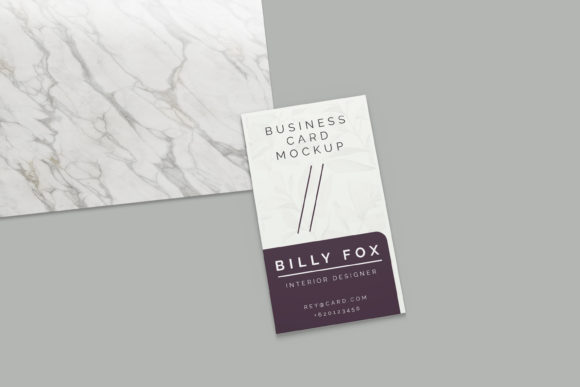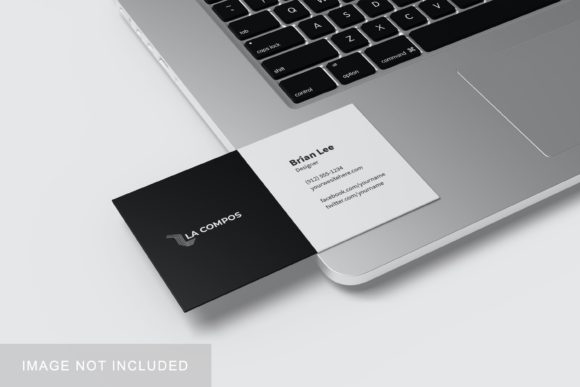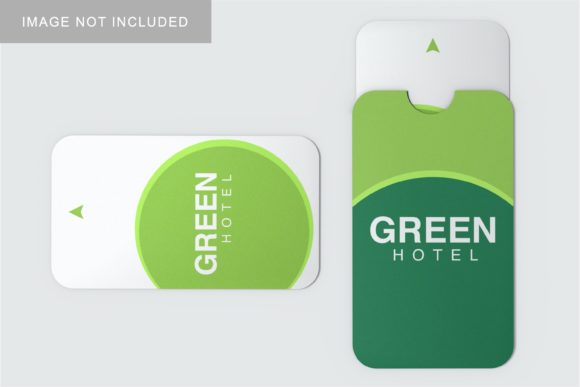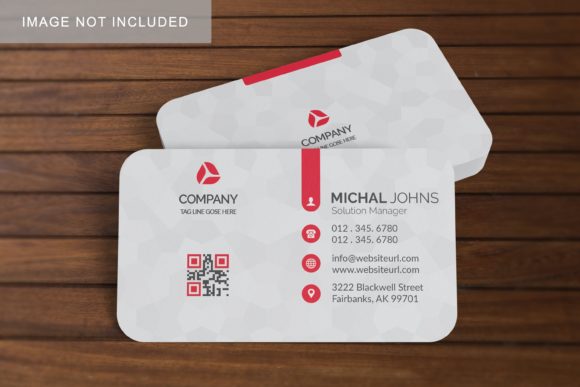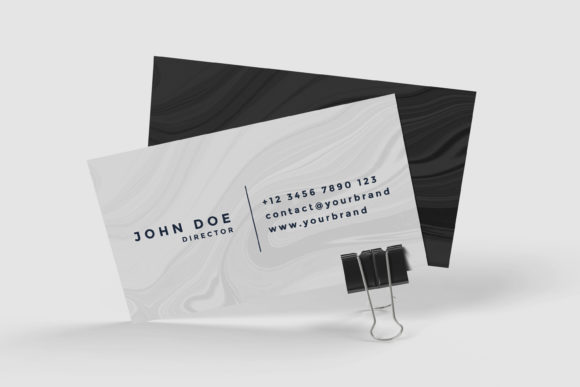
Business Card Product Mockup V.2
Imagine showing off your new business card design—not as a flat image on screen, but as a realistic, beautifully lit photo sitting on a sleek wooden desk, held by a hand, or resting beside a coffee cup and laptop. That’s exactly what Business Card Product Mockup V.2 helps you do: turn digital designs into lifelike, professional presentations—fast and without photography skills or expensive software.
What It Really Is (and What It’s Not)
Business Card Product Mockup V.2 is a high-resolution PSD (Photoshop) file designed for designers, freelancers, small business owners, and even educators who want to visualize their card layouts in real-world settings. It’s not a template for designing the card itself—it’s a “stage” where your finished artwork gets placed, scaled, and blended seamlessly into a photorealistic scene.
This version improves upon its predecessor with more natural lighting, refined shadows, subtle texture layers, and smart object support—so swapping in your design takes just one click. No layer blending modes to memorize. No perspective grids to adjust manually. Just drag, drop, and preview.
Why People Reach for This Mockup
Most people don’t buy business cards to hang them on a wall—they use them to make connections. So first impressions matter. A crisp, context-rich mockup helps you:
- Present confidently to clients before printing—no guesswork about how colors or fonts will look in physical form;
- Update your portfolio or website with visuals that feel authentic, not generic;
- Compare design options side-by-side in realistic environments (e.g., matte vs. glossy finish, horizontal vs. vertical layout);
- Share branded assets with team members or stakeholders who aren’t design-savvy—but still need to approve visuals.
A freelance graphic designer used Business Card Product Mockup V.2 to show three versions of a café owner’s card—each placed on a different surface (marble counter, rustic wood table, and notebook). The client instantly understood which felt most aligned with their brand voice—and signed off in under ten minutes.
Where It Fits Into Real Workflows
You don’t need to be a Photoshop expert—or even own Photoshop—to benefit. Many users open the file in free alternatives like Photopea (which supports PSDs), replace the smart object layer with their design, and export a PNG in under two minutes.
Here’s how it shows up across roles:
- Small business owners add their logo and contact info, then post the mockup on Instagram or LinkedIn while waiting for printed cards to arrive.
- Educators demonstrate print design principles to students—showing how bleed, trim, and safe zones behave in real life.
- Bloggers and content creators feature branded cards in “About Me” pages or media kits—without hiring a photographer.
- Marketing teams quickly generate consistent visuals for internal decks, pitch decks, or vendor onboarding kits.
Simple, Practical Things to Keep in Mind
Before downloading or using Business Card Product Mockup V.2, consider these friendly reminders:
- Your design needs to match standard dimensions. Most versions assume 3.5 × 2 inches (89 × 51 mm) with 0.125-inch bleed. Double-check your layout matches before placing it.
- Resolution matters for print previews. While the mockup looks great online, avoid zooming past 150% when reviewing fine details—what looks sharp on screen may need slight font or line-weight tweaks for physical production.
- Lighting isn’t neutral—it sets tone. This version uses warm, diffused light ideal for creative or service-based brands. If you’re representing a tech startup or law firm, you might prefer a cooler, crisper lighting variant (some collections include multiple scene options).
- It works best with clean, vector-based artwork. Drop shadows, glows, or complex gradients from your design may blend differently than expected. Try flattening effects or testing a few variations.
Real Use Cases You Can Start Today
You don’t need a big project to get value. Here are low-effort, high-impact ways to begin:
- Refresh your LinkedIn banner. Place your updated card mockup over a blurred background—it adds polish and reinforces professionalism at a glance.
- Create a quick email signature visual. Export a small 400-pixel-wide version and embed it beneath your name in Gmail or Outlook.
- Test color contrast for accessibility. Load your design into the mockup, then use browser tools like axe or Stark to check text legibility against the background surface.
- Build a mini-brand guide. Pair your mockup with a short note about typography, spacing, or brand voice—great for handing off to contractors or interns.
More Than Just a Visual Shortcut
At its core, Business Card Product Mockup V.2 supports intentionality. It encourages you to pause and ask: *Does this reflect who I am—or who I want to be known as?* A well-placed mockup doesn’t hide flaws—it reveals them early, quietly, and constructively.
One educator told us she started using it after noticing students often submitted final projects with mismatched fonts and inconsistent margins. By assigning the mockup as part of the brief (“Show your card as if it were on a student’s desk during office hours”), students began critiquing their own work more thoughtfully—before hitting “print.”
That’s the quiet power of this tool: it bridges the gap between idea and impact—not with flash, but with clarity.
If you’re building something meaningful—a practice, a product, a classroom, or a community—your business card is often the first tangible piece people hold. Giving it thoughtful, realistic representation isn’t vanity. It’s respect—for your work, your audience, and the small but significant moments where connection begins.