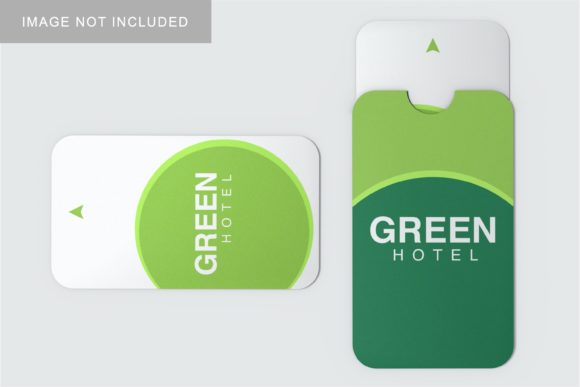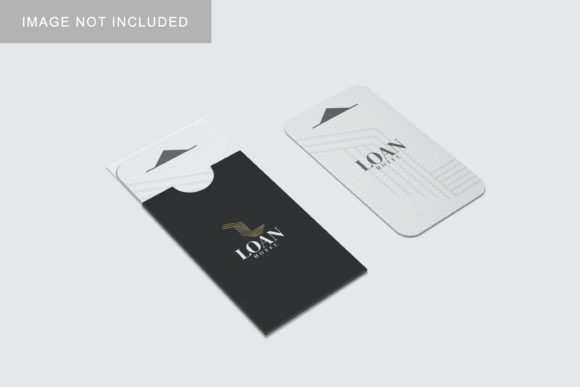
Card and Holder Mockup V2
If you’ve ever designed a business card, loyalty card, gift card, or membership pass—and then struggled to show it off in a realistic, polished way—you’ll appreciate how Card and Holder Mockup V2 simplifies the process. It’s not just another template. It’s a smart, flexible design tool built for people who want their card concepts to look authentic, professional, and ready for real-world use—without needing advanced photo editing skills.
What Exactly Is Card and Holder Mockup V2?
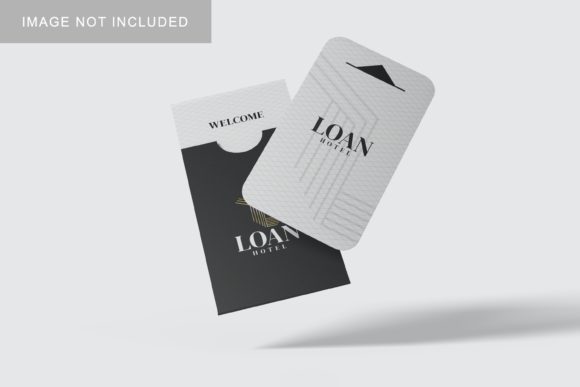
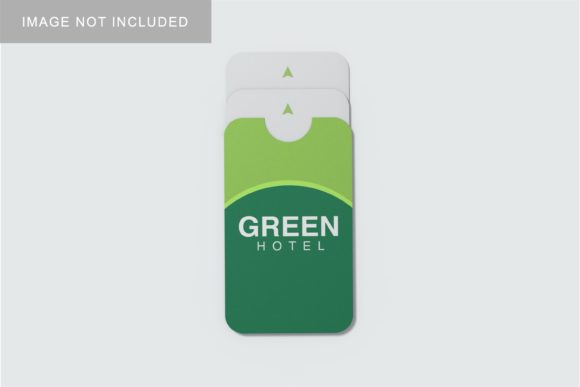
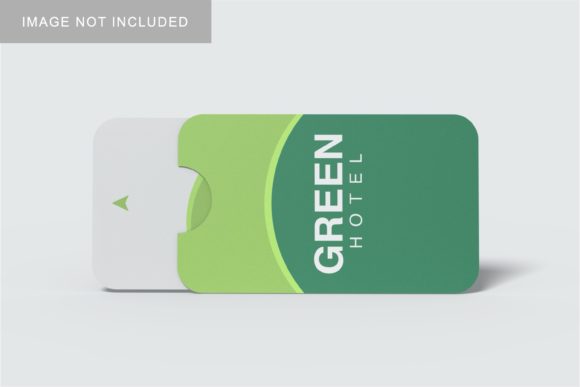
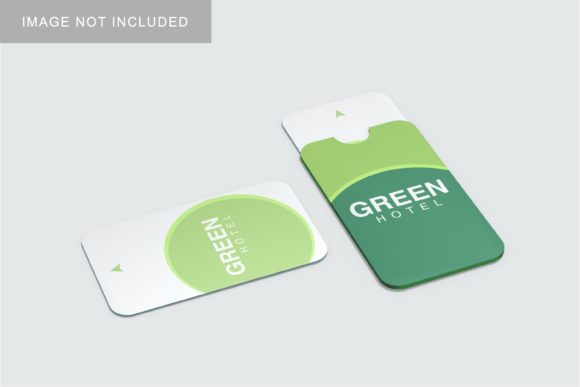
Think of Card and Holder Mockup V2 as a high-fidelity digital “frame” for your card designs. It includes layered, editable mockups of both a standalone card and a matching holder (like a slim leather sleeve, fabric pouch, or minimalist acrylic case). Unlike flat templates, this version uses smart objects in Photoshop or compatible editors—so you drop your design into the right spot, and it automatically fits with realistic lighting, shadows, texture, and perspective.
The “V2” upgrade brings subtle but meaningful improvements: better material textures (think soft-touch matte finishes or subtle grain), more natural fold and grip details on the holder, refined shadow depth, and additional color variants for the holder background. These tweaks help your presentation feel less like a placeholder—and more like a product you’d confidently share with a client or post on Instagram.
Why Does This Matter to You?
You might be designing a new business card for your freelance brand—or prototyping a student ID concept for a campus project. Maybe you run a small café and want to preview how your seasonal gift card looks inside a reusable kraft holder. Or perhaps you’re an educator preparing a visual aid about branding consistency, and need clean examples that show cards *in context*.
Card and Holder Mockup V2 bridges the gap between abstract design and tangible impression. A card alone can feel flat on screen. But place it inside a well-rendered holder—with visible corner rounding, slight tilt, and ambient light catching the edge—and suddenly it communicates quality, intention, and care. That shift matters whether you’re pitching to investors, updating your portfolio, or launching a Shopify product page.
Real-Life Uses You’ll Recognize
- Freelancers & Creatives: Drop your latest logo or typography layout into the mockup, export a crisp PNG, and add it to your Behance or Dribbble project—no need to stage a physical shoot.
- Small Business Owners: Preview how your new loyalty card pairs with a branded cotton holder before ordering 500 units—helping avoid costly reprints.
- Educators & Trainers: Use the mockup in class slides to demonstrate hierarchy, contrast, and spacing—showing students how design choices translate to physical touchpoints.
- Bloggers & Marketers: Create consistent, scroll-stopping visuals for social posts comparing “before and after” branding refreshes—using the same holder style across all examples for cohesion.
Where and How It Fits Into Your Workflow
You don’t need to overhaul your process to benefit from Card and Holder Mockup V2. It works best when treated like a reliable utility—not a standalone solution. Start with your card design in Illustrator or Figma. Export it as a high-res PNG or PSD with transparent background. Then open the mockup file in Photoshop (or a supported editor like Affinity Photo), double-click the smart object layer, paste your design, save, and watch it render instantly in context.
Because the holder is included as a separate, adjustable element, you can also experiment: try your card alone first, then add the holder for a more premium feel. Rotate the angle slightly for a lifestyle shot, or adjust the holder’s color to match your brand palette. There’s no coding, no rendering time, and no subscription—just immediate, repeatable results.
Things Worth Keeping in Mind
While Card and Holder Mockup V2 is beginner-friendly, a few practical notes help you get the most out of it:
- Design dimensions matter. Make sure your card artwork matches the exact size specified in the mockup guide (e.g., 3.5″ × 2.25″ for standard business cards)—otherwise, stretching or cropping may occur.
- Resolution affects realism. For print-ready previews or large-format presentations, work at 300 DPI. For web use, 72–150 DPI keeps file sizes lean without sacrificing clarity.
- Texture isn’t universal. The mockup simulates materials like brushed metal or woven linen—but if your actual production will use glossy PVC or embossed paper, remember this is a visual reference, not a physical guarantee.
- Customization has limits. You can change colors, swap designs, and adjust lighting intensity—but you can’t convert the holder into a different shape (e.g., from sleeve to clamshell) without advanced editing.
A Tool That Grows With You
Whether you're sketching ideas on paper or refining pixel-perfect assets in Figma, Card and Holder Mockup V2 adapts. Beginners love its plug-and-play simplicity. Seasoned designers appreciate how quickly it elevates a presentation—freeing up mental space for strategic thinking instead of tedious compositing.
It doesn’t replace thoughtful design decisions. Instead, it honors them—giving your ideas the grounded, human-scale context they deserve. That’s why so many educators use it to teach visual communication, why startups include it in pitch decks, and why bloggers return to it when launching new digital products.
At its core, Card and Holder Mockup V2 answers a quiet but persistent need: to show, not just tell—to let people *see* what your idea feels like in hand, on a desk, or in someone’s wallet. And in a world full of generic templates, that kind of authenticity makes all the difference.