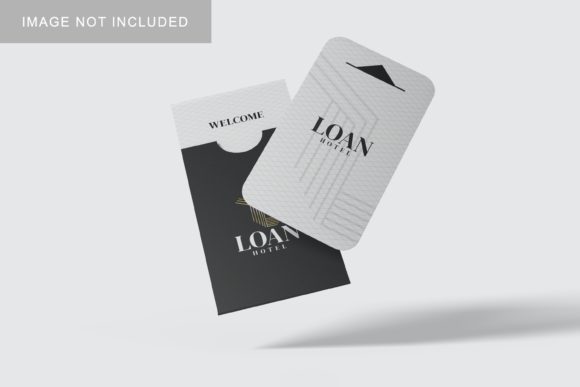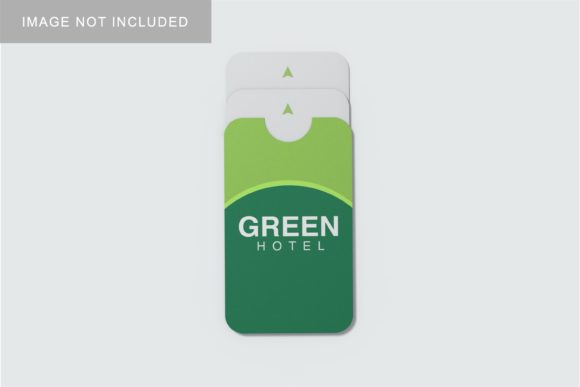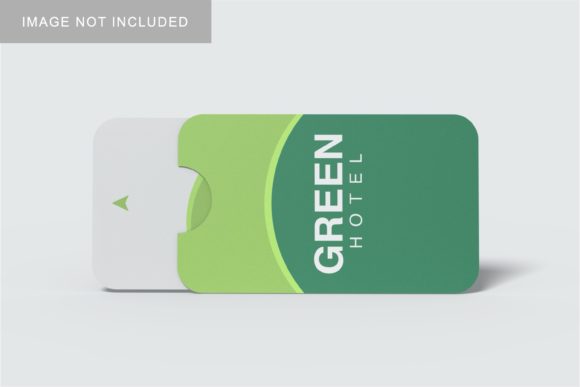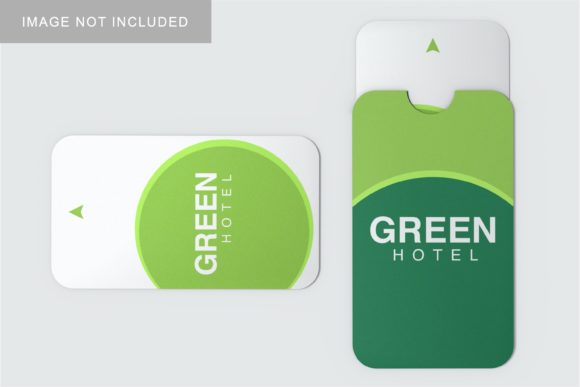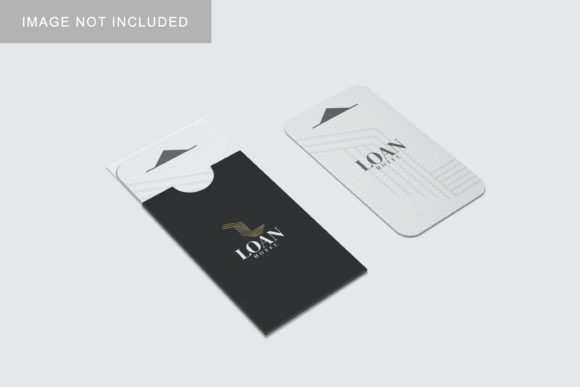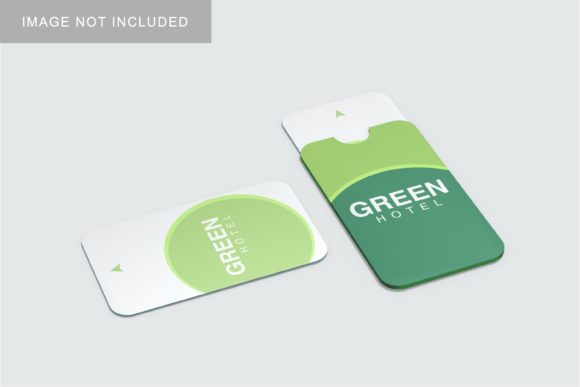
Card Holder Mockup V2: Design with Purpose
Card Holder Mockup V2 isn’t just another template—it’s a precision tool for visual storytelling. Built for clarity and flexibility, it renders physical card holders in realistic lighting, depth, and material texture, letting you showcase business cards, loyalty cards, gift cards, or membership credentials without photography. What sets it apart is its layered, editable structure: smart objects for front/back artwork, customizable shadows, adjustable tilt angles, and subtle background gradients that adapt to your brand’s tone—not overwhelm it.
Why Designers Reach for This Version First
Unlike static mockups that lock you into one pose or perspective, Card Holder Mockup V2 gives you control over context. You decide whether the holder sits flat on a desk (ideal for pitch decks), leans slightly against a notebook (great for social posts), or rests in an open hand (perfect for onboarding emails). The PSD and Figma versions include labeled layers, non-destructive effects, and embedded guides—so you’re not guessing where bleed or safe zones fall. That means less time troubleshooting file setup and more time refining your message.
It also respects real-world constraints. The mockup reflects standard card dimensions (3.5" × 2.125") and common holder materials—matte leatherette, brushed metal, or soft-touch silicone—so your presentation feels grounded, not generic. When clients see how their logo sits within realistic tactile boundaries, trust builds faster. That’s not polish—it’s professionalism made visible.
Creative Uses Across Real Projects
Here’s where Card Holder Mockup V2 earns its place in daily workflows:
- Service-based freelancers use it to package branded business cards alongside service menus or pricing sheets—showing not just what they offer, but how it feels to work with them.
- Educators and trainers embed QR codes on the card face, then drop the mockup into course welcome pages or LMS dashboards—turning abstract credentials into tangible takeaways.
- Small retailers test seasonal designs by swapping artwork across five pre-set holder colors (charcoal, terracotta, navy, sage, cream), comparing visual impact before printing a single unit.
- Nonprofits pair donor thank-you cards with matching holder mockups in campaign emails—reinforcing identity while subtly encouraging retention through consistent, tactile branding.
No two uses look the same—and that’s intentional. The mockup doesn’t impose style; it supports yours.
Adapting It Without Losing Clarity
Clarity starts with restraint. When customizing Card Holder Mockup V2, resist stacking multiple fonts, textures, or drop shadows. Instead, pick one focal point: the card’s typography, the holder’s finish, or the background’s tone—and let the rest support it. For example, if your card uses bold sans-serif type, keep the holder matte and neutral so text remains legible at thumbnail size.
Consistency follows intention. If you’re building a suite of branded assets—email headers, social banners, print collateral—use the same holder angle and shadow intensity across all Card Holder Mockup V2 instances. That creates subconscious continuity, even when viewers scroll past quickly.
Originality comes from context, not complexity. Try placing the mockup inside a real environment: a coffee-stained notebook page, a sunlit corner of a home office desk, or a blurred retail counter background. These aren’t “extras”—they’re cues that help your audience imagine where and how the card lives in their world.
Platform-Smart Delivery Tips
Where you share matters as much as what you share. Here’s how to optimize Card Holder Mockup V2 output for different channels:
- Instagram & Pinterest: Export at 1080×1350px (4:5) with generous top/bottom margin. Keep text centered and above the holder’s midpoint—mobile screens crop tightly, and you want your message fully visible without zooming.
- Email newsletters: Save as compressed PNG (not JPEG) to preserve transparency around the holder. Use a subtle 1–2px stroke on the card edge if your background is busy—this ensures separation without visual noise.
- Client presentations: Embed the mockup as a vector-linked Smart Object in PowerPoint or Google Slides. That way, updating the artwork updates every slide automatically—no manual swaps or version confusion.
- Web portfolios: Add light interactivity: hover states that rotate the holder 5° or swap between two card variants. A small detail—but it signals craftsmanship and invites closer attention.
For Those Who Build With Meaning
If you’re launching a side project, rebranding a local shop, or designing your first client deliverable, Card Holder Mockup V2 works best when treated as a bridge—not a finish line. It connects your design decisions to human behavior: how someone holds a card, flips it over, pockets it, or tucks it beside their driver’s license. That physical logic informs better choices—like using high-contrast color for contact info, leaving space near the top edge for thumb grip, or aligning logos with natural sightlines.
You don’t need to overdesign to be effective. Sometimes the strongest statement is clean type on a crisp white card inside a deep olive holder—no embellishment, no motion, just quiet confidence in the craft.
Getting Started Thoughtfully
Before opening the file, ask yourself two questions: What action should this image prompt? (e.g., “Scan the QR code,” “Visit our website,” “Save for later”) and Who sees this first—and what do they already know? A hiring manager reviewing your portfolio needs different cues than a café owner evaluating your branding package. Let those answers guide your layout, contrast, and copy placement—not trends or defaults.
And remember: mockups serve ideas, not replace them. Card Holder Mockup V2 gives you fidelity and speed—but the weight behind the card, the reason it exists, and the care in its wording? That’s all you.