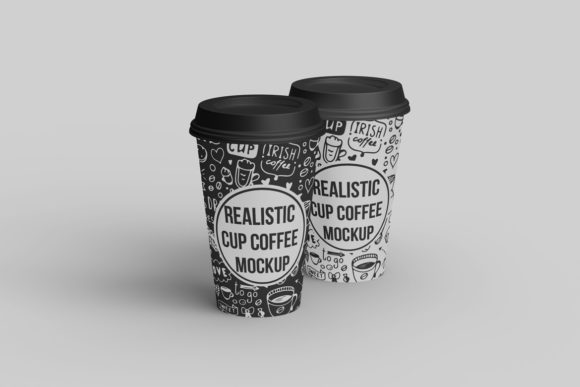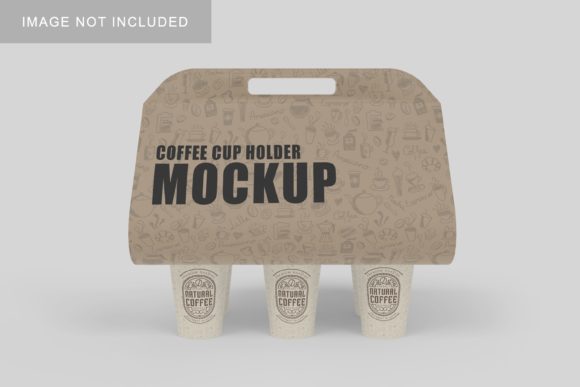
Coffee Cup Mockup V3
Whether you're launching a new artisan roaster brand, designing merch for a campus café, or pitching a beverage concept to investors, visual clarity matters. Coffee Cup Mockup V3 isn’t just another PSD or Sketch file—it’s a purpose-built, production-ready tool that helps you present coffee-related designs with realism, speed, and consistency.
What Makes Coffee Cup Mockup V3 Stand Out
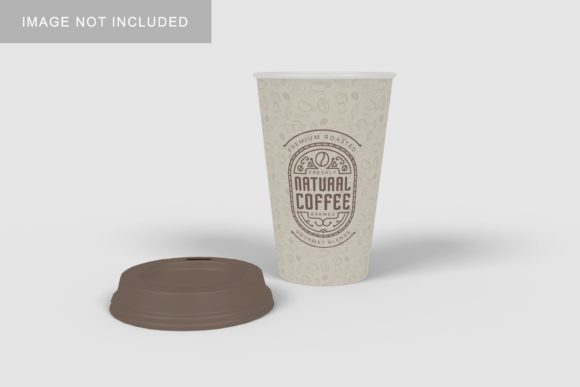
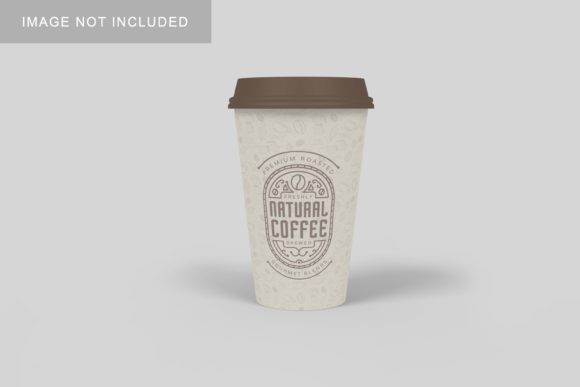
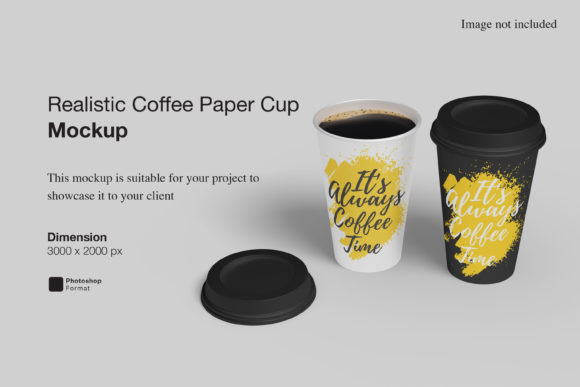
This version refines what worked in earlier iterations while addressing real pain points designers and marketers face daily. It includes high-resolution front, side, and angled views—each with layered, non-destructive smart objects so you can drop in logos, labels, or typography without flattening or guesswork. The lighting is calibrated for natural studio conditions, not harsh glare or flat shadows, and the cup material renders subtle ceramic texture and gloss variation based on light direction.
Unlike generic mockups that treat every cup as identical, Coffee Cup Mockup V3 models realistic proportions: a 12-oz ceramic mug with a gently tapered body, ergonomic handle curve, and slight rim thickness—all grounded in actual product measurements. That means your label wraps correctly, your logo scales accurately, and your client doesn’t ask, “Why does it look stretched?”
Where It Fits Into Real Workflows
Professionals don’t use mockups in isolation—they slot them into active projects with tight deadlines and shifting priorities. Here’s how Coffee Cup Mockup V3 integrates:
- Branding & Packaging Design: Test label layouts across multiple orientations before printing. Swap background textures (wood grain, marble, linen) to preview how your design reads in different retail environments—from boutique grocery shelves to co-working lounge counters.
- Social Media & Ads: Create scroll-stopping carousel slides in under five minutes. Pair a clean white cup shot with a lifestyle background, then duplicate the frame and change only the label design to show seasonal variants—no retakes, no photographer fees.
- Educational Use: Design instructors use it to teach packaging hierarchy: students place copy elements inside the mockup layers and instantly see how font size, contrast, and spacing perform at real-world viewing distance.
- Freelance Proposals: Instead of saying “your logo will go here,” embed it directly into Coffee Cup Mockup V3 and send a branded PDF preview. Clients approve faster when they recognize their identity—not just a placeholder.
Practical Benefits You’ll Notice Right Away
Time savings are obvious—but the less-discussed advantage is decision confidence. When stakeholders see a realistic representation—not a wireframe or flat JPEG—they engage more deeply. One small-batch roaster reported a 40% reduction in revision rounds after switching from generic mockups to Coffee Cup Mockup V3, simply because feedback shifted from “move the logo up” to “let’s try the navy variant instead.”
It also supports accessibility-aware design. The mockup includes optional contrast overlays and a built-in guide layer showing WCAG-compliant text-to-background ratios for common label placements—helpful whether you’re designing for FDA compliance or inclusive branding.
Use Cases That Go Beyond the Obvious
Yes, it works for coffee brands—but its utility stretches further:
- A mindfulness app used Coffee Cup Mockup V3 to visualize branded mugs for their premium subscription tier, embedding subtle QR codes on the handle that linked to guided audio sessions.
- An education nonprofit printed reusable cups for teacher workshops; they used the mockup to simulate how student-drawn artwork would translate onto curved surfaces—catching layout issues before mass production.
- A food blogger tested color psychology by generating eight versions of the same oat milk latte label across different cup backgrounds (warm wood vs. cool concrete), then ran an Instagram poll to gauge emotional response before finalizing their rebrand.
Even if your work isn’t beverage-adjacent, consider how often “cup” functions as shorthand for comfort, ritual, or pause. Therapists use it in wellness campaigns. Tech teams apply it to internal “coffee chat” initiative visuals. The flexibility lies in its neutrality—it doesn’t shout “espresso!” or “cold brew!” It quietly holds space for your message.
What to Check Before You Commit
Coffee Cup Mockup V3 comes in layered PSD and Figma formats—with optional Procreate and Affinity Photo versions. Before downloading or purchasing, verify compatibility with your current setup. If you rely heavily on cloud collaboration, confirm the Figma file uses auto-layout components (it does), not static frames—so teammates can update copy without breaking alignment.
Also note: this mockup assumes standard print-ready color profiles (CMYK for physical output, sRGB for digital). If you’re working with Pantone spot colors or metallic inks, you’ll need to adjust layer blending modes manually—but the documentation includes clear notes on achieving accurate foil or emboss simulation using layer styles.
Finally, consider scalability. While the base files ship at 4500×3000 px (ideal for large-format prints), avoid upscaling beyond 200%—the ceramic texture detail begins to soften. For billboard or signage use, pair it with vector-based assets rather than pushing raster resolution.
Why Consistency Builds Trust
Think about the last time you saw a brand’s social feed where every coffee image looked like it came from a different planet—some with steam, some with flat matte finishes, others with inconsistent shadows. Viewers may not articulate it, but they register dissonance. Coffee Cup Mockup V3 gives you a consistent visual anchor: same lighting angle, same perspective logic, same surface behavior across all outputs.
That consistency compounds over time. When your audience sees three variations of your holiday blend—each rendered through the same mockup—they subconsciously register continuity. Not sameness. Continuity. And that’s how recognition turns into loyalty.
If you’re evaluating mockups for long-term use—not just one campaign—look for how well it adapts to growth. Coffee Cup Mockup V3 supports custom background swaps, multi-label configurations (think sleeve + base stamp + lid logo), and even optional condensation effects for cold beverage variants. It’s built to evolve with your needs—not expire after launch day.