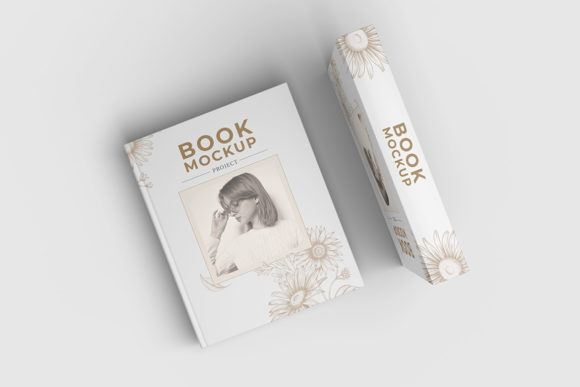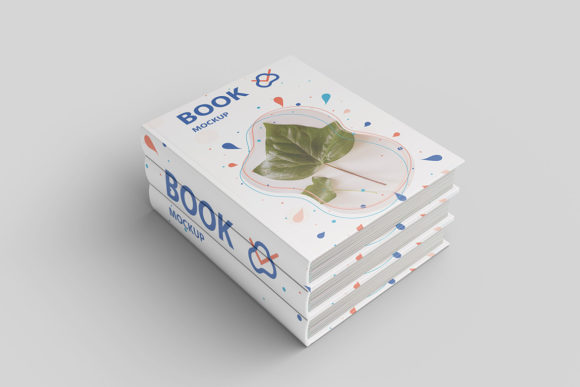
Book Cover Mockup
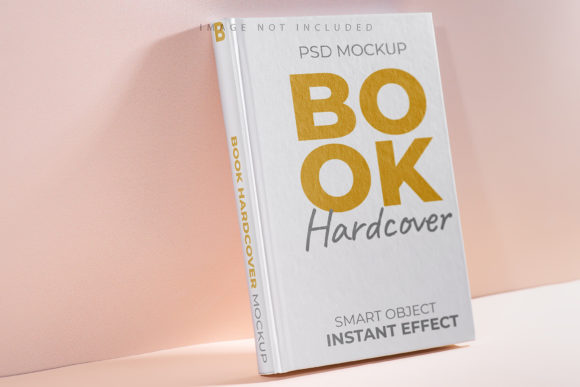
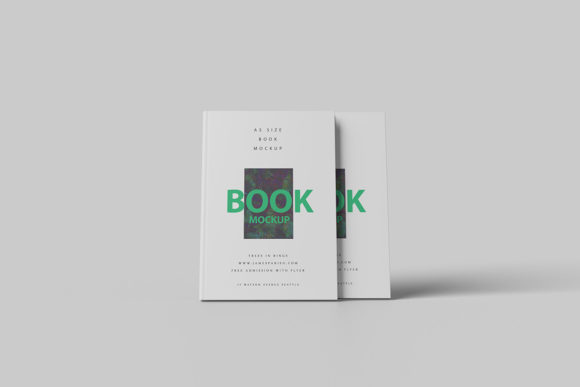
Imagine you’ve just finished your first novel, designed a workbook for your yoga studio, or drafted a self-published cookbook. You’re ready to share it—but before printing or uploading, you need to show someone what it’ll actually look like on a shelf, in an online store, or in a pitch deck. That’s where a book cover mockup comes in: a realistic, layered digital template that places your custom cover design onto a high-fidelity image of a physical book—complete with lighting, shadows, texture, and perspective.
When You Need It More Than You Realize
A book cover mockup isn’t just for designers polishing a portfolio. It’s the quiet workhorse behind dozens of everyday decisions—many of which happen outside traditional publishing. Think about the freelance educator who needs to preview her 30-page PDF guide before sending it to a client. Or the small-biz owner launching a branded journal line and needing Instagram visuals that feel tactile, not flat. Or the indie author preparing for a Kickstarter campaign—where backers don’t just want to read a description; they want to see themselves holding it.
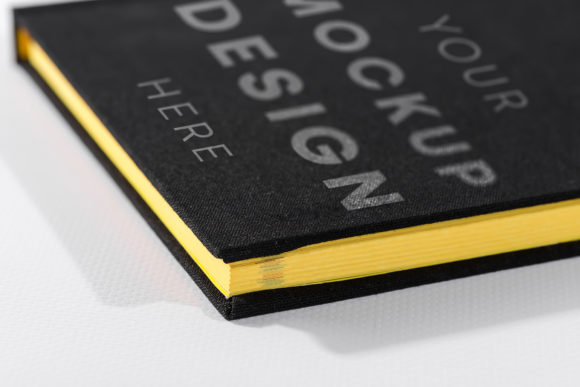
Unlike generic stock photos or basic Photoshop overlays, a good book cover mockup preserves realism: the subtle curve of a paperback spine, the way light catches the gloss on a hardcover, even the slight tilt of a book resting on a wooden desk. That realism builds trust—before a single page is printed.
Self-Publishing Without the Studio Budget
If you’re using KDP, IngramSpark, or Apple Books, you’re likely designing your own cover—or working with a freelancer on a tight timeline. A mockup helps you spot issues early: Is your title legible at thumbnail size? Does the color contrast hold up on a phone screen? One writer we spoke with adjusted her cover’s background gradient after seeing it rendered in a mockup against a white wall—something she’d missed in flat preview mode. That small fix saved her from re-uploading files three times.
Selling Physical Products Online
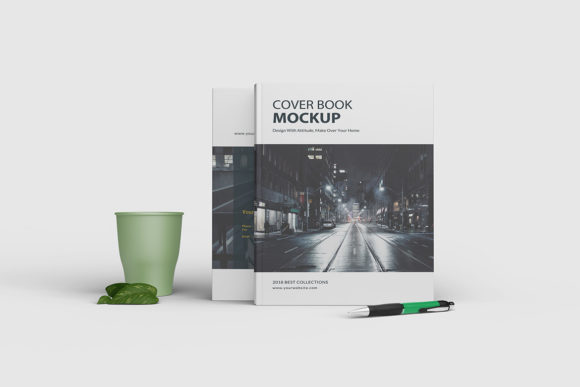
Print-on-demand shops, Etsy sellers, and boutique stationers use book cover mockups to create cohesive product listings. A planner creator doesn’t just upload a JPEG of her cover file—she drops it into a mockup showing the spiral-bound version resting beside a pen and coffee cup. That context tells shoppers exactly what they’re buying—and signals quality without saying a word.
Educational & Corporate Training Materials
Teachers developing classroom workbooks, HR managers building onboarding guides, or nonprofit staff designing community toolkits often need approval from stakeholders before printing hundreds of copies. A mockup lets them present a near-final version in a meeting—not as a flat PDF, but as something tangible-looking. One university extension program reported faster sign-off on their new gardening manual because the mockup helped non-design staff visualize how it would sit on a library shelf next to similar titles.
Marketing Assets That Don’t Feel Like Stock
Email headers, social media banners, ad creatives—even printed flyers benefit from mockups. Instead of dropping your cover into a Canva template with generic “book” icons, you embed it into a realistic scene: a cozy reading nook, a minimalist bookstore display, or a stack of related titles. The result feels intentional, not templated. And yes—it performs better. A small publisher testing Facebook ads found mockup-based creatives had a 27% higher click-through rate than flat cover images.
Who Uses These—and How Their Needs Differ
A blogger promoting a free lead magnet (like a checklist or resource guide) might download a free PSD mockup, drop in their cover, and export a PNG for a blog sidebar—all in under five minutes. They care about speed, simplicity, and mobile readability.
A graphic designer building a brand identity for a client may license a premium mockup pack with multiple angles, editable smart layers, and matching backgrounds (e.g., marble, linen, concrete). They need consistency across deliverables—and the ability to tweak lighting or orientation without starting over.
An educator sharing open-access materials might choose a mockup with neutral, inclusive settings—no distracting props or culturally specific decor—so the focus stays on content, not context.
What to Check Before You Download or Buy
Not all mockups are built the same. Here’s what matters in practice:
- File format compatibility: If you use Canva or Photopea, look for PNGs with transparent layers or drag-and-drop templates. If you rely on Photoshop or Affinity Photo, ensure the file includes editable smart objects—not flattened JPGs.
- Resolution & use case: A 72 dpi web mockup won’t hold up on a trade show banner. For print collateral or large-format displays, verify the source file supports at least 300 dpi output.
- Background flexibility: Some mockups come with fixed scenes (e.g., “coffee shop table”). Others let you replace the background entirely—or remove it for clean cutouts. Decide whether you need versatility or atmosphere.
- Licensing clarity: Free downloads often restrict commercial use or require attribution. If you’re building assets for a client or selling physical products, confirm the license permits that—without hidden clauses.
Small Choices, Big Impact
You don’t need a studio setup or advanced software to benefit from a book cover mockup. Many modern tools—like Placeit, Smartmockups, or even newer Canva integrations—offer browser-based mockup generators. Upload your cover, pick a style, adjust the angle, and download. Done.
But the real value isn’t just convenience—it’s confidence. Confidence to send that proposal knowing your workbook looks professional. Confidence to launch a Shopify collection without guessing how the spine will align. Confidence to present your memoir to a literary agent with visuals that reflect the care you put into every sentence.
And sometimes, it’s even simpler: a parent documenting their child’s illustrated storybook project can use a mockup to turn a school assignment into something that feels like a real book—complete with a “published by” line on the back. That pride, that sense of completion? That’s not fluff. That’s why people reach for a book cover mockup—not as a last-minute add-on, but as part of the work itself.
Getting Started Without Overcomplicating It
Start small. Pick one upcoming project where a flat image hasn’t quite landed—maybe a landing page that feels too abstract, or a pitch email that gets skimmed. Find a mockup that matches your book’s binding type (hardcover, softcover, spiral, square spine), drop in your cover, and export. Compare it side-by-side with your original. Notice how much more grounded it feels.
You’ll likely find yourself returning to that same mockup again—not because it’s perfect, but because it works. Because it bridges the gap between idea and object, draft and delivery, effort and impact. And in a world full of rushed uploads and overlooked details, that kind of quiet reliability is rare. And useful. And, honestly, kind of essential.