Realistic Frame Mockup V1: Put Your Designs in Context—Without the Studio Setup
You’ve just finished a logo. Or a social media graphic. Maybe a book cover, a podcast episode thumbnail, or even a custom print for your Etsy shop. Now what? You could slap it on a plain white background and call it done—but that rarely conveys how it’ll actually look in the real world. That’s where Realistic Frame Mockup V1 steps in—not as another flashy design tool, but as a quiet, practical bridge between pixel-perfect files and tangible impression.
What It Actually Is (and What It’s Not)
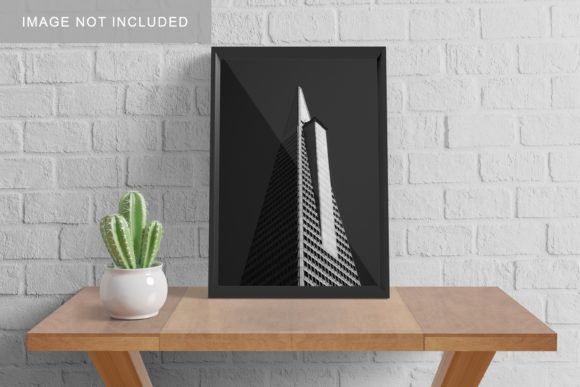
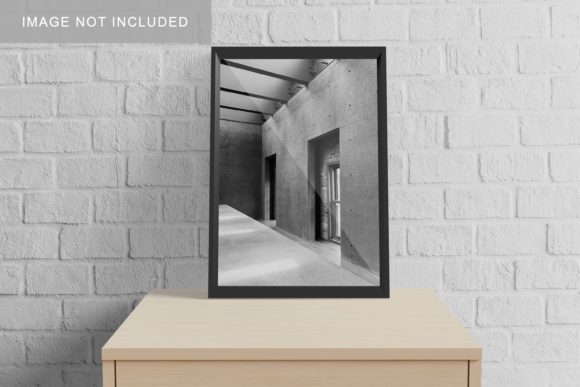
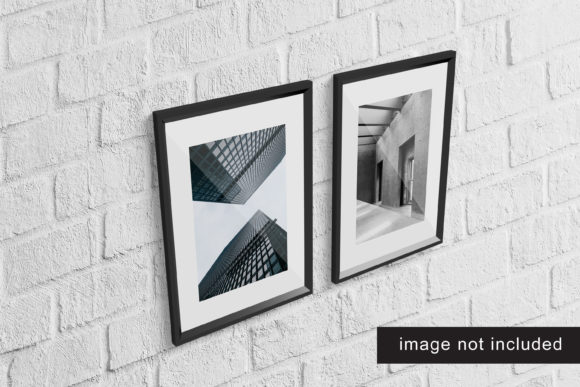
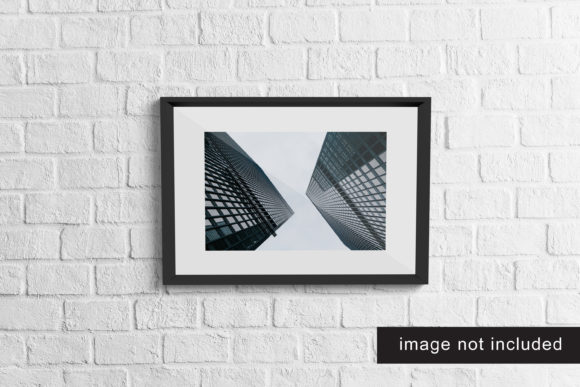
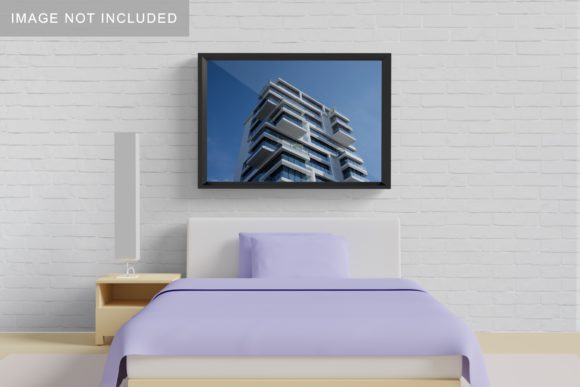
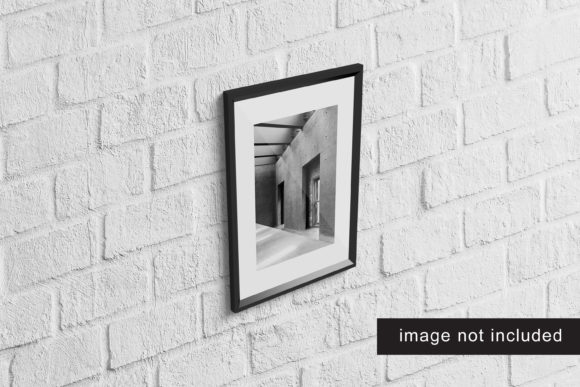
Realistic Frame Mockup V1 is a layered PSD (Photoshop) file designed to simulate how your 2D artwork appears inside a physical frame—complete with natural lighting, subtle shadows, depth cues, and realistic wood or metal texture. It’s not a filter, not an AI generator, and not a subscription service. It’s a single, well-structured mockup file you open in Photoshop, drop your design into a smart object layer, and instantly see it rendered as if hanging on a wall, sitting on a shelf, or displayed in a gallery setting.
It doesn’t replace photography—but it eliminates the need to rent studio time, source props, or stage lighting just to show a client how their branding looks “in place.” And unlike generic mockups with stiff angles or artificial gloss, Realistic Frame Mockup V1 uses carefully calibrated perspective, ambient occlusion, and material-based reflection to avoid the “flat Photoshop cutout” effect.
When You’ll Reach for It—Not Just When You’re “Done”
Think about the last time you sent a design to a client. Did you attach just the PNG? Or did you also include a version showing it mounted above a sofa, leaning on a desk, or hung beside a window? That second version—the one with context—usually gets faster approval, fewer revision rounds, and clearer feedback. Realistic Frame Mockup V1 makes that second version fast, consistent, and credible.
For Freelancers Pitching Branding Work
A web designer sending a homepage concept might use it to show a framed version of the client’s new logo resting on a minimalist oak desk—next to a laptop and a ceramic mug. That small detail signals professionalism *and* intentionality. It answers the unspoken question: “Where will this live beyond the screen?” No extra photoshoot needed—just one drag-and-drop into the smart object layer.
For Educators Preparing Visual Materials
A high school art teacher building a digital portfolio lesson can use Realistic Frame Mockup V1 to demonstrate composition principles—not abstractly, but by placing student sketches inside frames with varied wall textures and lighting directions. Students instantly grasp how matting, frame width, and ambient light affect perception. It turns theory into something they can point to, discuss, and replicate.
For Small Business Owners Updating Their Space
You run a café and just commissioned new menu board artwork. Before printing and mounting, you drop the design into Realistic Frame Mockup V1, choose a warm-toned wooden frame, and preview it against a textured brick wall background (included in most variants). You spot that the text feels too light against the shadowed right edge—and adjust before cutting vinyl. That’s not polish—it’s risk reduction.
Why “Realistic” Matters More Than “Fancy”
There are hundreds of frame mockups online. Many prioritize dramatic angles or cinematic lighting. But Realistic Frame Mockup V1 leans into subtlety: gentle falloff on the frame edges, soft bounce light from an implied ceiling fixture, and slight lens distortion that mimics how human eyes see depth—not how a render engine forces it. That realism builds trust. A potential client scanning your portfolio doesn’t think, “Nice effect.” They think, “This feels like something I’d actually hang.”
That matters whether you’re selling prints on Instagram, submitting work to a local gallery, or presenting rebrand options to a nonprofit board. The mockup isn’t hiding flaws—it’s grounding your work in shared visual language.
Practical Things to Keep in Mind Before Using It
- You’ll need Photoshop (CC or later). It won’t work in free editors like Photopea or Canva—those don’t support smart objects or layer blending modes the way this mockup relies on.
- Check the aspect ratio match. If your design is tall and narrow (like a vertical Instagram post), forcing it into a wide landscape frame will stretch or crop unintentionally. Most versions include guides or labeled layers for common ratios—use them.
- Lighting direction is baked in. The mockup assumes light comes from the top-left. If your design has strong directional elements (e.g., a sun icon in the bottom-right corner), test how its highlights interact with the mockup’s existing shadows before finalizing.
- Texture isn’t just decoration. The grain in the frame or wall background affects readability. Try toggling the “Wall Texture” layer on/off—if your typography becomes harder to read with it on, reduce its opacity slightly instead of removing it entirely.
Where It Fits Into Real Workflows (Not Just “Nice-to-Haves”)
For a blogger documenting their home office setup, Realistic Frame Mockup V1 lets them show off a custom quote print *as part of the space*, not as a floating image. For a publisher designing a limited-edition poetry chapbook, it helps visualize how the cover art translates to a framed display at a launch event. For a freelance photographer offering digital wall art, it replaces stock photo backdrops with cohesive, branded presentation—every time.
It’s also quietly useful for accessibility prep: simulating how contrast holds up against real-world backgrounds helps catch legibility issues early. And because it’s a static PSD—not a cloud-based template—you retain full control over colors, sizing, and output resolution without relying on third-party servers or expiring licenses.
It’s Not About Making Things Look “Prettier”—It’s About Making Them Feel Believable
In a world saturated with polished visuals, credibility often lives in the quiet details: the way light catches the edge of a frame, how a shadow falls just slightly softer near the bottom, the faint texture of aged wood grain under a matte finish. Realistic Frame Mockup V1 delivers those details without demanding technical expertise or hours of manual adjustment.
You don’t need to be a Photoshop wizard. You just need to know where your design goes next—and want others to see it there, too.